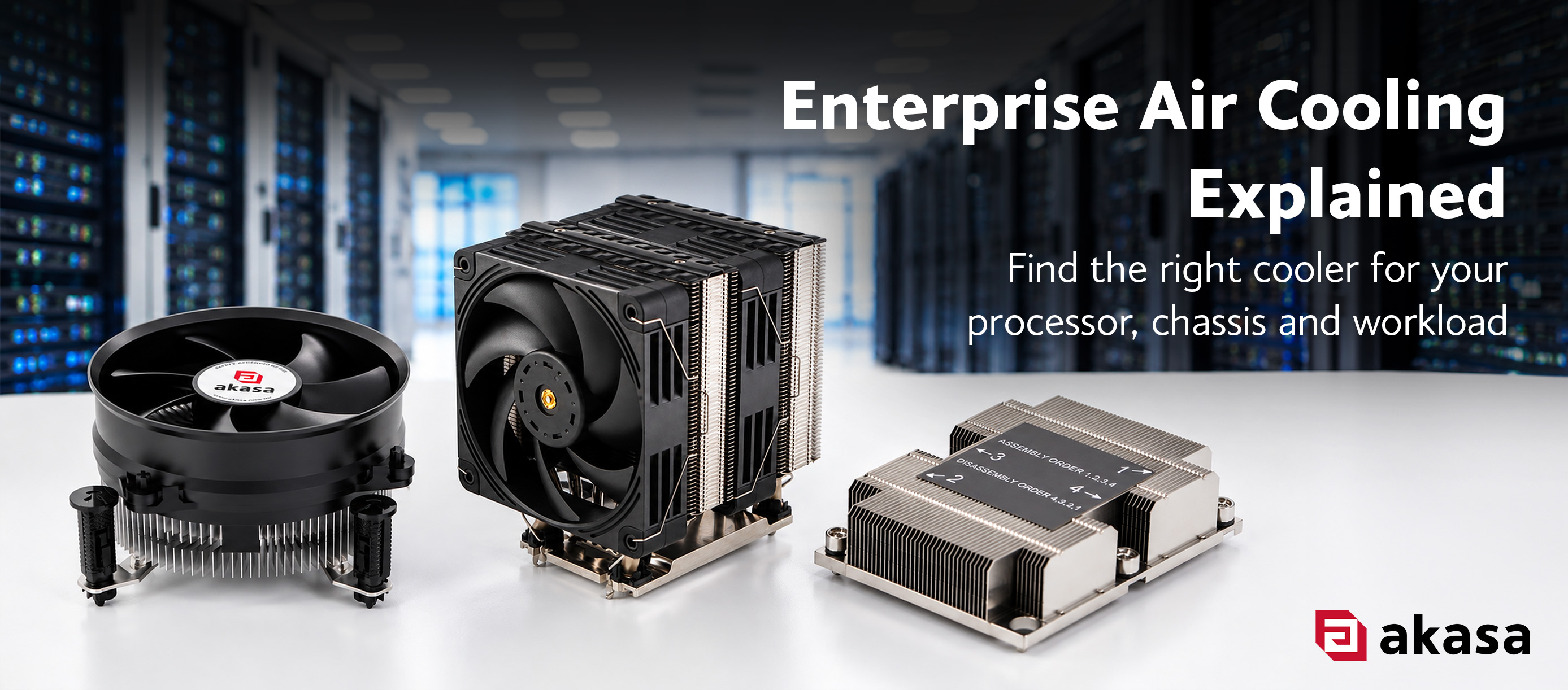
 Choosing a CPU cooler for a workstation, industrial PC or server is more involved than matching a socket. The cooler also needs to fit within the chassis, handle the thermal capacity of the intended workload and work with how air moves through the system.
Get any of those wrong and the consequences are immediate. A cooler too tall for a 1U chassis means the chassis won't close. Finding that out mid-build means a cooler reorder and a delayed timeline. Sizing errors are subtler: a cooler undersized for the workload causes thermal throttling under sustained load. A passive design in a chassis without adequate airflow runs hotter than intended, which can mean instability under load or component degradation that takes months to become visible.
Enterprise air CPU coolers generally fall into three broad categories: desktop, low-profile and server. Akasa designs cooling solutions across all three, for Intel and AMD platforms ranging from compact industrial PCs to high-density rack servers. This guide covers how each air cooling category works and how to choose between them.
What about liquid cooling? This article focuses on air cooling, active and passive heatsink designs for desktop, low-profile and server platforms. If you're working with very high TDP workloads or dense rack configurations, liquid cooling is worth exploring. We'll cover that in a separate article. |
Why Is Enterprise CPU Cooling Different?
Enterprise systems don't operate like consumer PCs. A workstation may spend hours rendering or processing data. An industrial PC might run continuously for days or weeks. A rack server handles sustained compute loads inside a chassis where airflow is shared between processors, storage, networking and power hardware.
This changes the priorities around CPU cooling. Thermal performance still matters, but reliability, acoustics, physical dimensions, mounting and long-term platform support all become part of the specification. A 1U rackmount server has very little vertical space available (sometimes as little as 38mm above the board). An industrial PC may need to meet a specific motherboard, socket or mounting configuration that hasn’t changed for years.
For system integrators and IT teams managing multiple builds, consistent specifications matter too. The same cooling solution needs to be verifiable across different systems, which makes documented platform support and stable product availability part of the buying decision.
Key Terms
TDP (Thermal Design Power)
A thermal design specification used when matching a processor with an appropriate cooling solution. How TDP is defined and measured varies between Intel and AMD, so treat it as a guide rather than a hard ceiling. Always check the cooler's specified thermal rating against the actual processor and intended workload.
CPU Socket
The physical and electrical interface between a CPU and motherboard. The cooler must use mounting hardware compatible with the socket on the board, such as Intel® LGA1851/LGA1700 or AMD AM5/AM4.
Form Factor
The physical dimensions and layout of a system or component. For CPU cooling, form factor can determine the height and space available for the cooler.
Desktop, Low-Profile or Server?
Desktop CPU Coolers
Desktop enterprise coolers suit professional workstations, enterprise desktops and industrial PCs where there is enough clearance above the CPU for a conventional heatsink and fan.
More available height gives more design options. A larger heatsink surface and wider fan diameter can move more air at lower speeds, which helps manage noise without sacrificing thermal performance. This is why desktop-class coolers tend to offer better acoustics per watt than low-profile designs at equivalent TDPs.
Construction varies according to thermal requirements. Aluminium heatsinks are lightweight with good thermal conductivity. A copper core or copper heatpipes improve heat transfer away from the processor die, which becomes more important above 65W TDP. Mounting options include push-pin designs for quick installation and screw-mount retention for builds where security and vibration resistance matter.
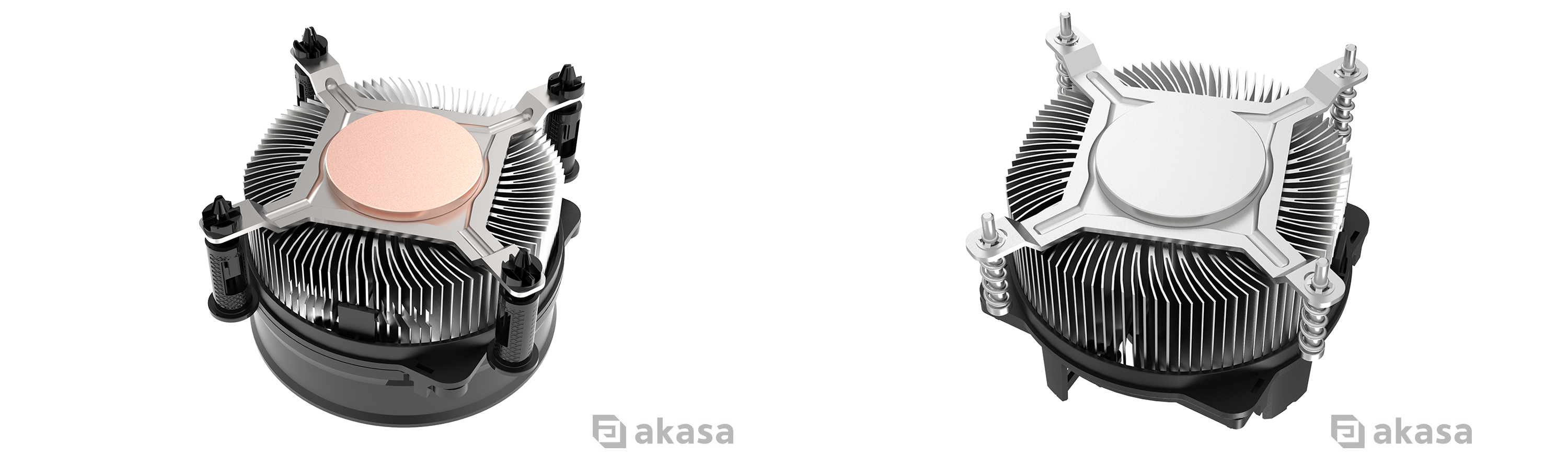
Most active desktop coolers use 4-pin PWM fans, allowing a compatible motherboard to vary fan speed according to temperature. For systems running continuously, fan bearing type and rated operating hours are worth checking in the specification sheet before committing to a design.
Low-Profile CPU Coolers
Low-profile cooling starts with a simple constraint: height.
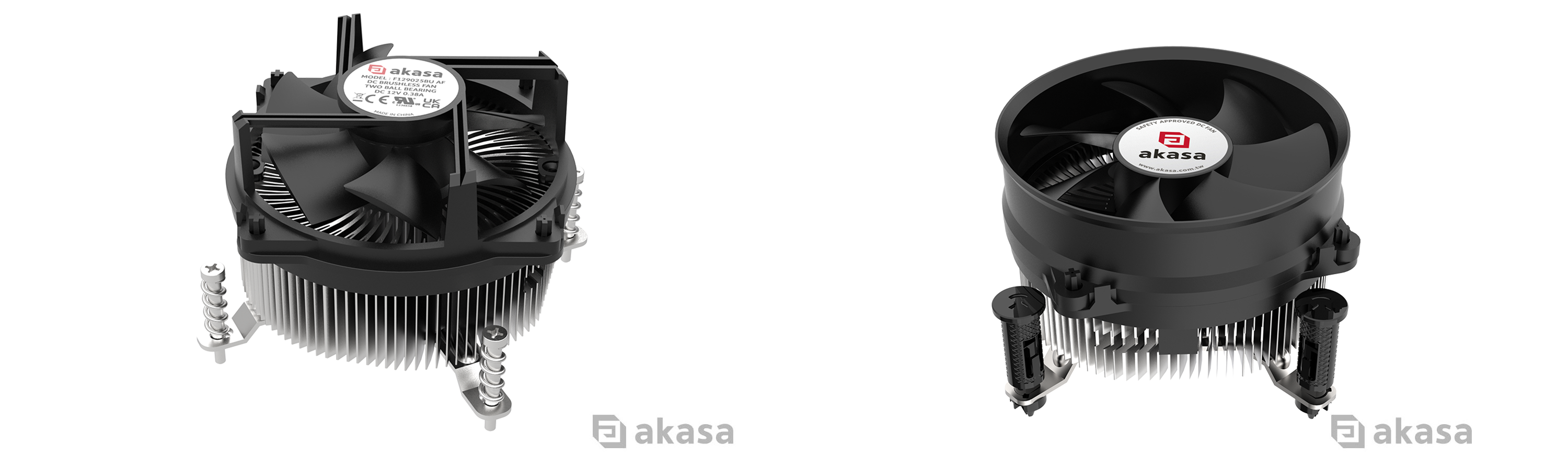
Compact industrial PCs, embedded systems, edge computers and small form factor builds often don’t have enough vertical clearance for a standard desktop cooler. Reducing cooler height reduces the space available for the heatsink and fan: both affecting how much heat can be moved. The engineering challenge is maintaining adequate thermal performance within those limits.
Different designs address this in various ways. Some use dense aluminium fin stacks with a compact top-down fan. Others add copper heatpipes or a vapour chamber to improve heat transfer within the reduced space. Side-blowing fan configurations are used where top-down airflow conflicts with the chassis’ airflow path.
Airflow matters more as the available space decreases. A low-profile cooler therefore needs to be considered alongside the chassis dimensions, processor TDP and system airflow rather than selected on height alone.
Server Coolers
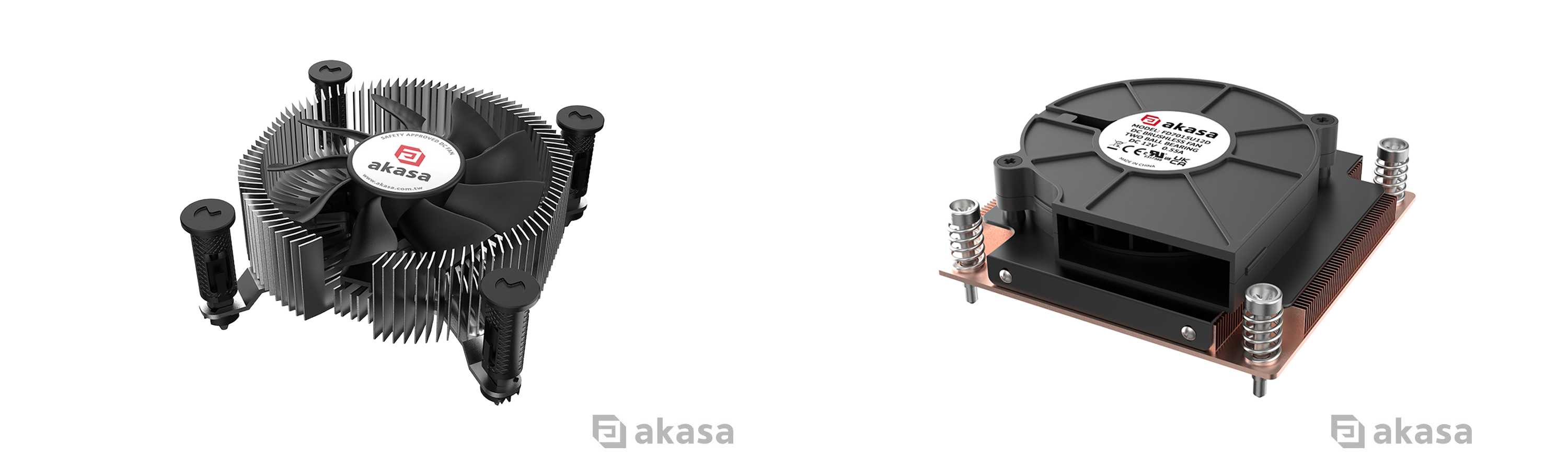
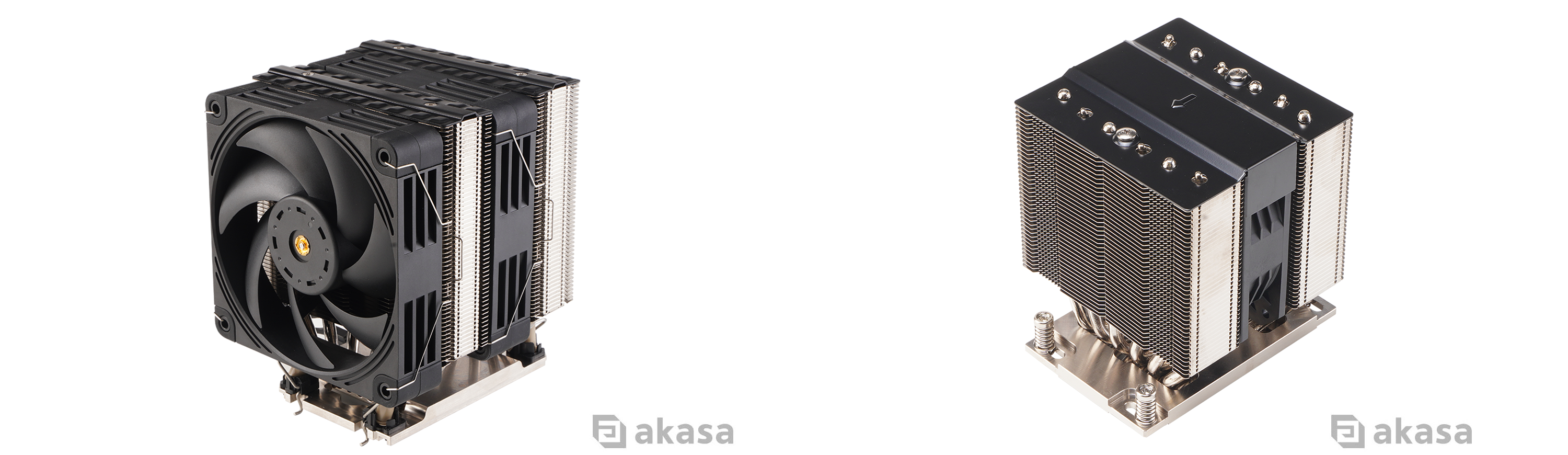
Server CPU cooling is closely tied to the design of the chassis. In 1U, 2U and larger rackmount systems, cooler height, airflow direction and thermal capacity all need to work with the server’s overall airflow path. Most rack servers pull air from front to back using chassis fans and the CPU cooler sits in that path. A cooler that disrupts that flow (whether through height, fin orientation or placement) creates hotspots that can affect the whole system.
Server coolers come in active or passive. Active coolers use a dedicated fan or blower to move air through the heatsink. Passive coolers have no integrated fan and instead depend on airflow provided by the server chassis. This makes checking the system’s airflow requirements especially important before specifying a passive design.
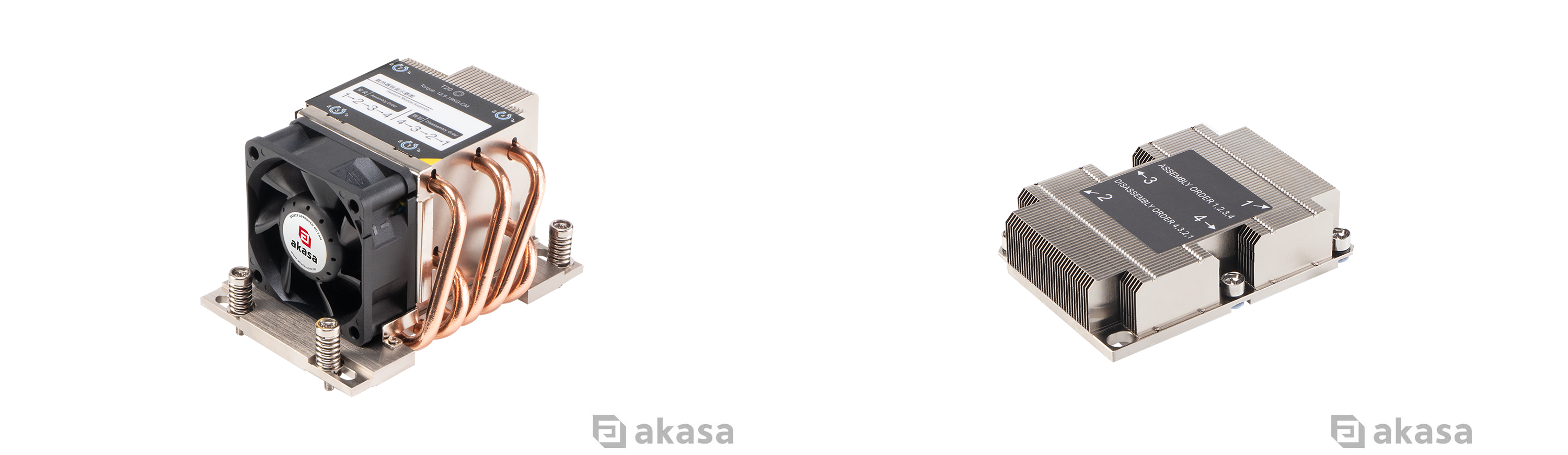
Server platforms also cover a wide range of processors. Compact rackmount systems may use Intel® Core™ or Core™ Ultra processors, while higher-performance servers and workstations can use platforms such as Intel® Xeon®, AMD EPYC™ and AMD Ryzen™ Threadripper™. The right cooler depends on the exact socket, processor specification, rack height and airflow available.
Which Enterprise Cooler is Right for You?
Start with the system. Check the processor and socket, establish how much physical space is available in the chassis, then determine the thermal and airflow requirements of the intended workload. Once those boxes are checked, secondary factors, such as heatsink material, mounting method, fan bearing type and PWM control, help narrow down the remaining options. At very high TDPs in tight chassis, liquid cooling becomes worth looking at. That's a topic for its own article.
| If You're Building... | Consider... | Typical Suggested TDP Range | Example Socket Support | Akasa Solutions |
| Professional workstation or enterprise desktop | Desktop CPU cooler | Up to 125W | Intel® LGA1851 / LGA1700, AMD AM5 / AM4 | Copper Core Intel® LGA1851 Cooler, AK-CC6606BP01 |
| Industrial, embedded or compact PC | Desktop or low-profile CPU cooler | 35W to 125W examples | Intel® LGA1851 / LGA1700, AMD AM5 / AM4 | Low-Profile 21.8mm Cooler, AK-CC6609EP01 |
| 1U rackmount system | 1U low-profile or server cooler | 95W to 180W examples | Intel® LGA1851 / LGA1700, LGA3647 | 1U Vapour Chamber Cooler, AK-CC7409BP01 / Passive LGA3647 Cooler, AK-CC9308 |
| 2U server or edge system | 2U server cooler | Up to 235W Intel® / 350W AMD examples | Intel® LGA1851 / LGA1700, AMD SP6 / sTR5 | AK-CC7502BP01 / AK-CC3401BP01 |
| High-performance server or workstation | Higher-capacity server cooler | 350W+ examples | AMD SP6 / sTR5 and server-specific Intel® platforms | AK-CC9502BP01 and other platform-specific server solutions |
Suggested TDP figures are product-specific ratings rather than universal limits for each cooler type. Always check the specifications of the processor, cooler, motherboard and chassis before selecting a cooling solution.
Akasa’s Enterprise CPU Cooler range covers desktop, low-profile and server platforms for Intel® and AMD processors. Options include aluminium and copper-based heatsink designs, active and passive cooling, different mounting systems and PWM-controlled fans.
Explore the Akasa Enterprise CPU Cooler range →
For OEM projects, system integration and volume enquiries, contact the Akasa team to discuss your system and cooling requirements.
About Akasa
Akasa is a global computer hardware and electronics manufacturer which fuses innovative design with cutting-edge technology and engineering to deliver exceptional products for our customers. Founded in 1997, Akasa has extensive expertise to provide quality solutions to suit your needs. We offer passive and active case solutions, coolers, heatsinks, fans, PC lighting and a vast array of card readers, cables, and adapters.
Legal Notices
© Copyright 2026 Akasa. All rights reserved. Akasa is a trading style of the Akasa group of companies. All trademarks and registered trademarks are the property of their respective owners. This article is intended for general informational purposes only and does not constitute professional or technical advice. Product performance may vary depending on system configuration, operating conditions and workload.


