 Shopping for a new CPU, a cooler, or even a compact fanless case will almost certainly put you face to face with the letters "TDP" plastered across the spec sheet. It's one of the most quoted figures in PC hardware, and one of the most misunderstood. Whether you're building your first PC or speccing your tenth Mini-ITX system, knowing what TDP actually means is the difference between a cooling solution that keeps up and one that quietly lets your processor down under load.
What Does TDP Stand For?
TDP stands for Thermal Design Power (sometimes called Thermal Design Point). It's a watt figure representing the maximum heat a processor is expected to generate during sustained, typical use and, by extension, the minimum heat-dissipation capacity a cooling solution needs to keep that processor running within its temperature limits.
In practical terms: a 65W TDP processor needs a cooler capable of continuously removing at least 65W of heat, or temperatures will start climbing.
Is TDP the Same as Power Consumption?
Power draw isn’t a single fixed number. It changes depending on what the CPU is doing. When a chip is lightly loaded, it can run at lower speeds and voltages, using less power, but when you push it hard, it boosts itself, drawing more energy and producing more heat.
Intel replaced the single TDP figure with two distinct specs starting with 12th Gen (Alder Lake):
- Processor Base Power (PBP) — the sustained power level at base clock frequency, directly equivalent to the old TDP
- Maximum Turbo Power (MTP) — the peak power the CPU can draw when boosting to its maximum turbo frequency.
AMD keeps a traditional TDP figure on its spec sheets, alongside Package Power Tracking (PPT), which is the maximum sustained power the socket is permitted to deliver.
Both frameworks exist for the same reason: a CPU's heat output during a quick boost differs from its output during a long, sustained workload.
How Is TDP Enforced in Practice?
TDP is set by the chip manufacturer, not the cooler manufacturer, derived from the processor's base clock speed running a defined workload at a defined ambient temperature, and expressed in watts. It's a sustained figure rather than an instantaneous spike. A cooler that can dissipate at least as much heat as the CPU produces will hold temperatures comfortably under the chip's limit, while one that can't will see heat generated faster than it escapes, triggering thermal throttling to bring power and heat output back down.
- PL1 is the long-term power limit, generally set close to the CPU's quoted TDP, and governs draw under continuous load.
- PL2 is a higher, short-term limit that lets the CPU draw considerably more power for a performance burst. How long it can sustain PL2 depends on a timer called Tau, which motherboard manufacturers often set to unlimited (meaning many systems run at PL2 indefinitely given adequate cooling and power delivery.)
This is why a 65W TDP chip can briefly pull well past 65W without anything being wrong: it's operating exactly as designed.
For cooler selection, the practical takeaway is to size for the sustained PL1 or TDP figure with meaningful headroom. If you expect sustained all-core loads (video encoding, 3D rendering, compilation), it's also worth checking your CPU's MTP or your motherboard's power limit settings to understand the real thermal ceiling your cooler needs to handle.
Why Does TDP Matter When Thinking About Cooling?
Every cooling solution, whether it's a passive fanless case or a dual-tower air cooler, carries its own maximum supported TDP. Matching that figure to your CPU's TDP is the single most important step in avoiding instability, noise, or a CPU that quietly underperforms its own silicon. Get this wrong and you’ll see thermal throttling: the processor automatically reducing its clock speed and power draw to bring temperatures back under control, and thus, delivering less performance than the chip is rated for.There are two fundamentally different approaches to managing CPU heat: removing fans from the equation entirely, or using them to actively move air.
Fanless Cooling
Passive, fanless cooling relies entirely on conduction and natural convection. Heat moves from the CPU through a thermal module into a finned body, which then transfers the heat into the surrounding air with no moving parts. There is no mechanical wear and no fan noise, which makes it a good choice for silent HTPCs and long-life industrial or embedded systems that need to run unattended for years.With no fan moving air, fanless designs naturally sit at a lower TDP ceiling, relying purely on surface area and steady convection to keep pace with the heat a CPU produces. For systems up to 35W TDP, Akasa's Euler CTX is a compact fanless case for Thin Mini-ITX motherboards, supporting Intel® LGA1851, LGA1700, LGA1200 and LGA115X socket-based processors, with an optional power adapter. The Euler CMX takes the same approach in a 4.0-litre chassis built for Mini-ITX motherboards, adding an integrated 220W DC-to-DC converter. Both feature Akasa’s patented CPU mounting system making them well suited to industrial automation, digital signage, kiosks, surveillance or other commercial systems.
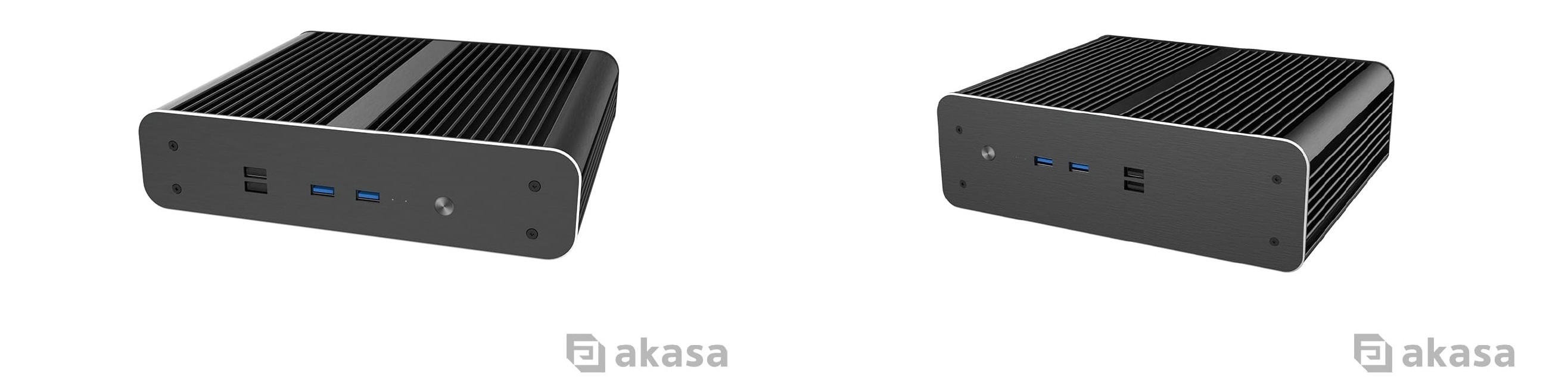
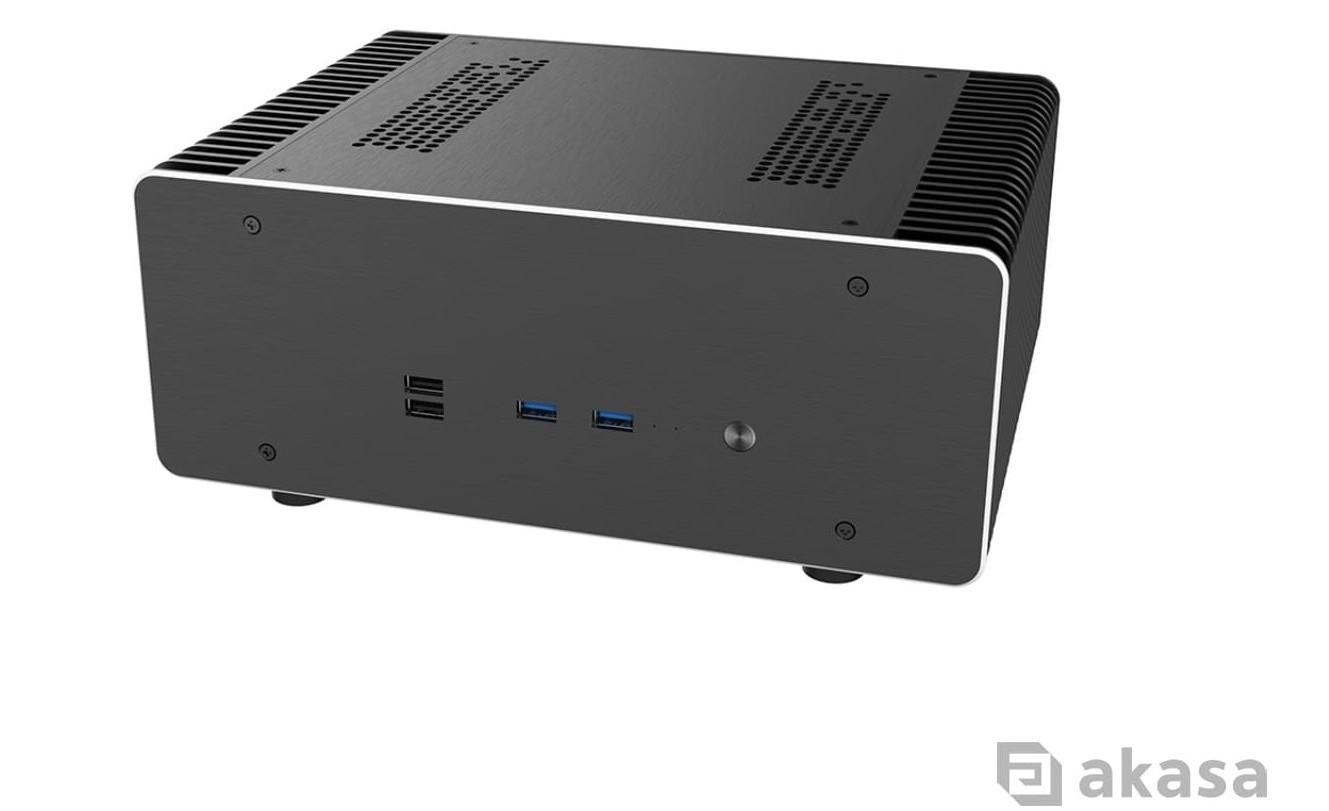
For higher-performance Mini-ITX systems up to 65W TDP, the Maxwell Pro Plus extends the same fanless approach to more demanding processors. Its aluminium chassis features bi-symmetrical extruded fins on either side to maximise heat dissipation, while four internal copper heatpipes and a dedicated thermal module efficiently transfer heat from supported Intel and AMD socket-based processors.
Active Cooling
CPU Coolers
Once you introduce a fan, the available cooling headroom grows considerably, because moving air carries heat away far faster than natural convection ever could. This is why many mainstream and enthusiast desktop CPUs rely on active cooling rather than passive designs. More heatpipes, more fin surface area or a larger fan typically translate directly to a higher supported TDP. The Alucia H4 Plus is a single-tower cooler with four copper heatpipes and a 120mm PWM fan, rated for processors up to 185W TDP across Intel LGA2066-LGA1150 and AMD AM5/AM4. For heavier workloads, the Alucia Bundle adds a second fan to the same heatsink, pushing the ceiling to 210W TDP.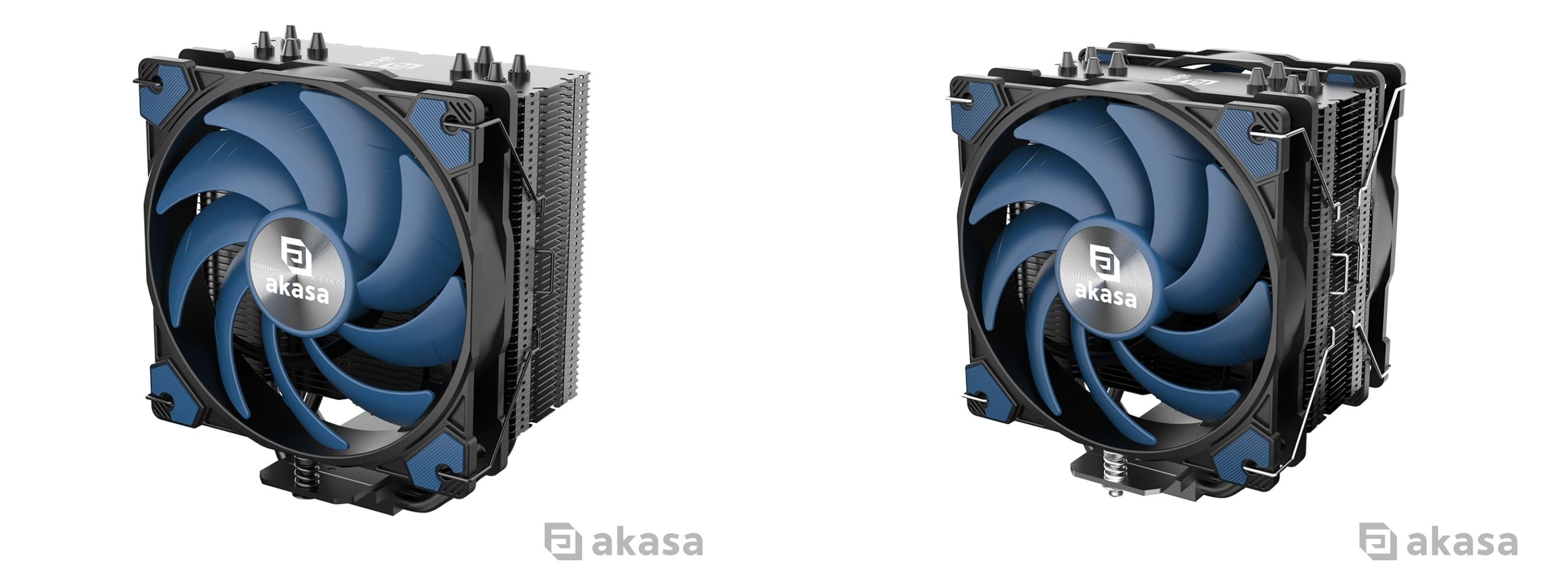
For builds where aesthetics matter as much as performance, the SOHO H7 pairs a dual-tower heatsink with seven copper heatpipes and two aRGB 120mm PWM-controlled fans handling CPUs up to 250W TDP across the same Intel and AMD socket range.
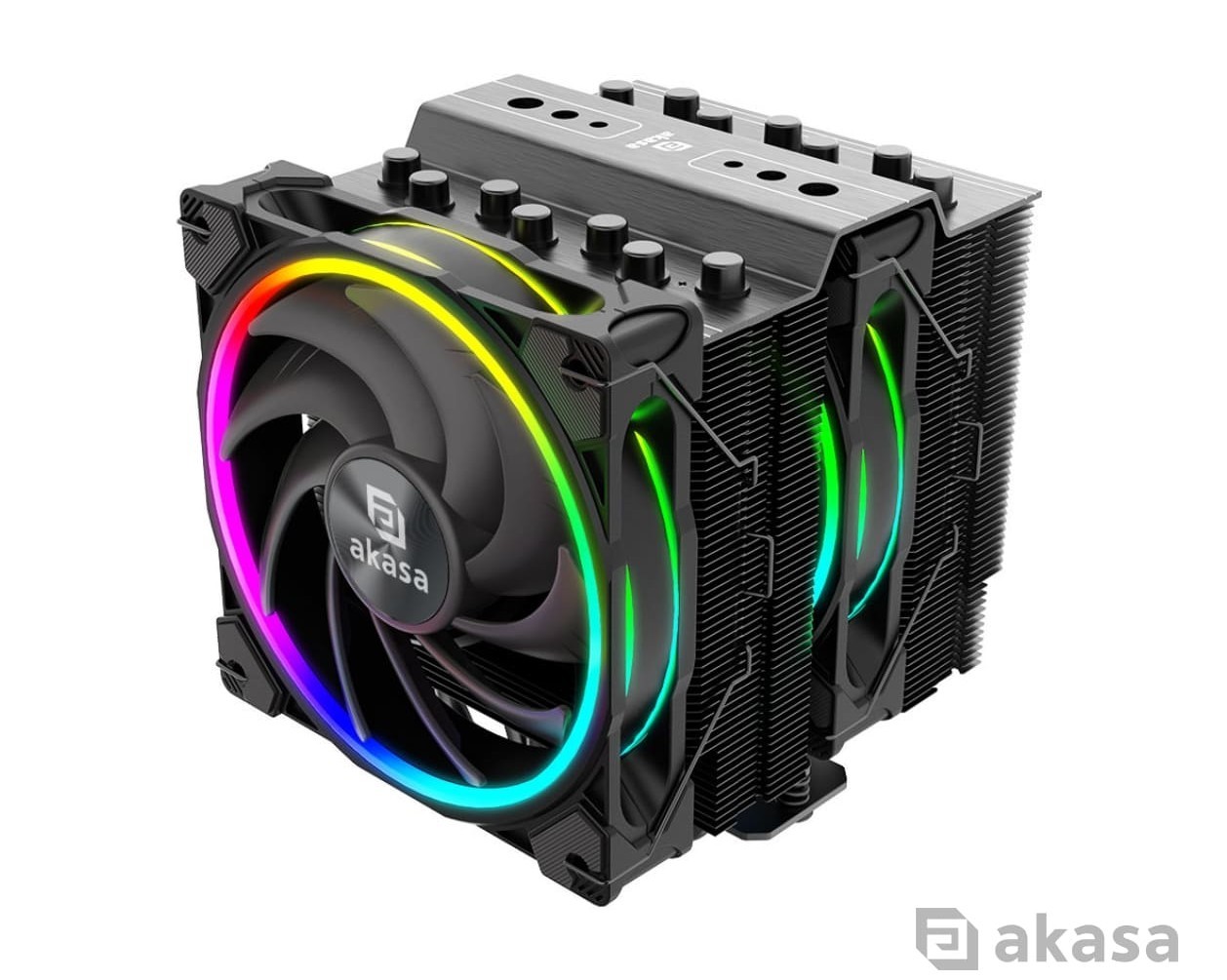
Always confirm cooler clearance against your case's published CPU cooler height limit, and verify socket and TDP compatibility against your specific motherboard and processor before purchasing.
Case Fans
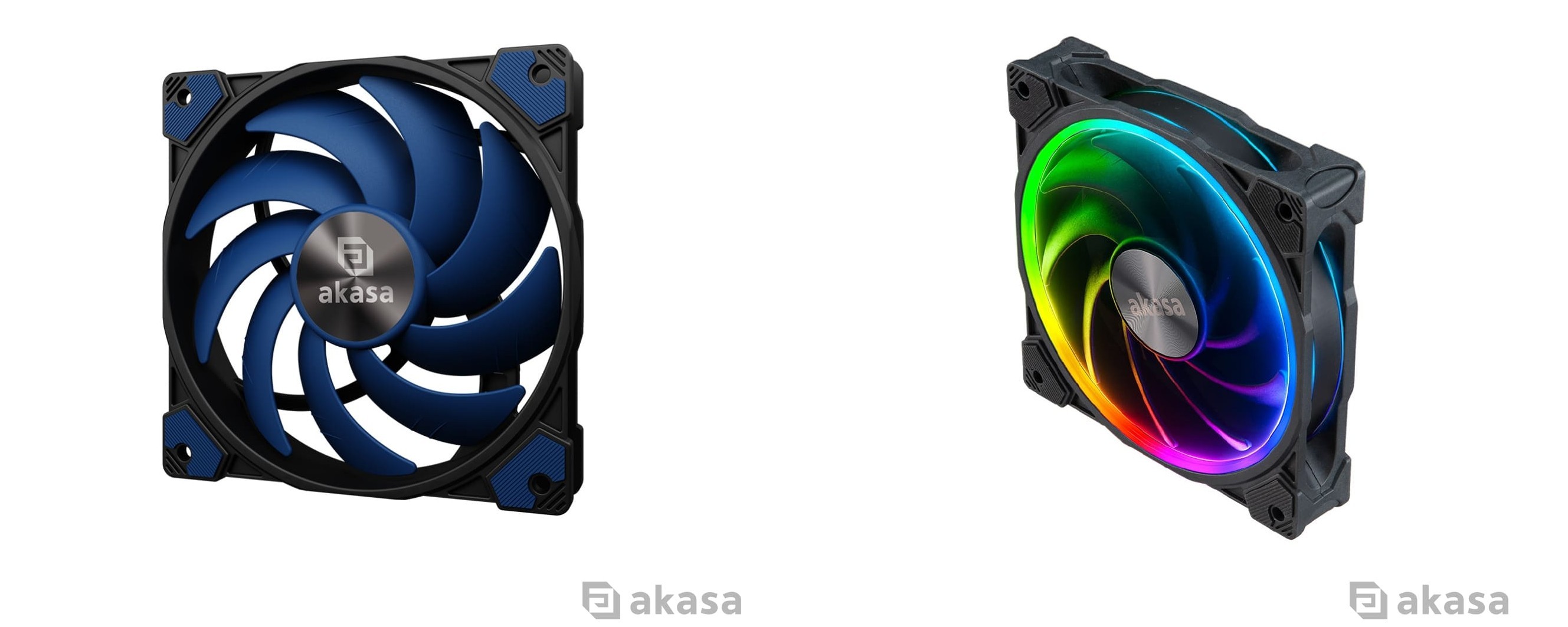
It's easy to think of fans as an afterthought once the CPU cooler is chosen, but they're doing more of the thermal heavy lifting than they get credit for.Akasa's Alucia SC series, available in 120mm and 140mm sizes, pairs a sickle blade design with an HD bearing rated for a 40,000-hour lifespan, pushing airflow up to 56.3 CFM and 84.3 CFM respectively. If you want to add a touch of customisable lighting, the SOHO AR series, carries over that same HD bearing and lifespan, available in black at both 120mm and 140mm sizes, plus a white version at 120mm, featuring a 500–2000 RPM speed range while adding 14 individually addressable RGB LEDs with motherboard-sync support.
Don't Forget the Thermal Interface
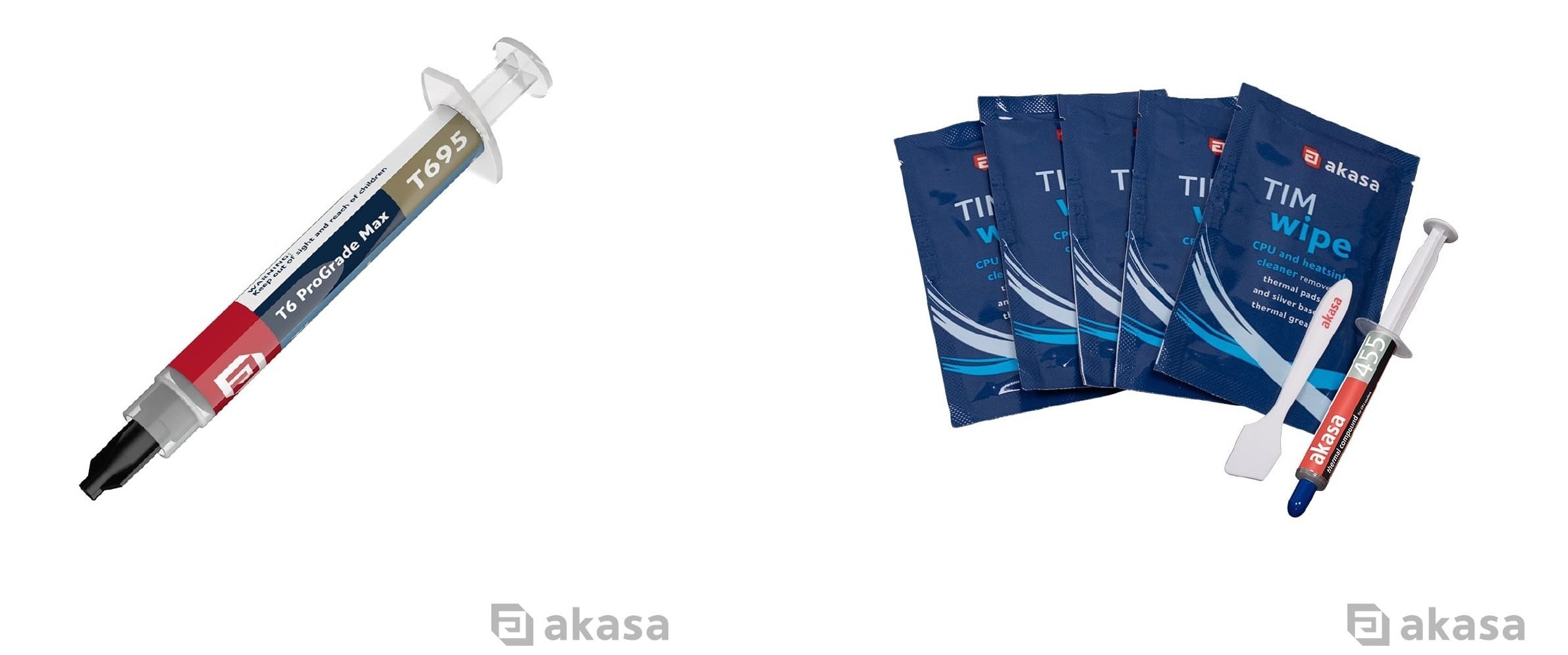
It's possible to pair a CPU with a cooler that's comfortably rated above its TDP and still see disappointing temperatures, because heat has to physically cross the gap between the CPU's integrated heat spreader and the cooler's base plate. This is where thermal interface material (TIM) comes in. Applied as a thin, even layer, TIM fills microscopic imperfections between the two surfaces, allowing heat to transfer more effectively.For closing that gap as efficiently as possible, Akasa's T6 ProGrade Max is a non-curing, non-electrically conductive high-performance thermal compound rated from -50°C to 280°C, with thermal conductivity up to 14.8W/mK to help demanding builds to reach peak performance. As repeated thermal cycles can gradually degrade TIM and reduce their effectiveness, the TIM Wipe Kit includes everything needed for reapplication in one package: citrus-based solvent wipes to cleanly strip old compound from CPU, GPU or heatsink surfaces, a compound spreader, and 5g of AK-455 thermal compound (2.4W/mK thermal conductivity) for general CPU cooling applications.
The TDP Takeaway
TDP is how much heat your processor is expected to produce under sustained load, measured in watts, and therefore how much heat your cooling solution needs to be capable of removing. It isn't the same as instantaneous power draw, it isn't a hard ceiling and it's measured against a sustained workload rather than a brief boost spike. That being said, it remains a useful number on the spec sheet as a figure for matching CPUs to coolers and cases.In practice, treating TDP as your starting point means:
- Confirming your CPU's TDP;
- Deciding whether a fanless or active cooling solution fits your use case and noise tolerance;
- Choosing a cooler or case rated comfortably at or above that figure rather than right on the line; and
- Not neglecting the thermal interface that sits between CPU and cooler.
If you'd like guidance on choosing the right cooling solution for your build, the Akasa team is happy to help. Get in touch via our contact form.


